How AI Data Extraction Works in DocuWeave
2025-02-01 · 7 min read
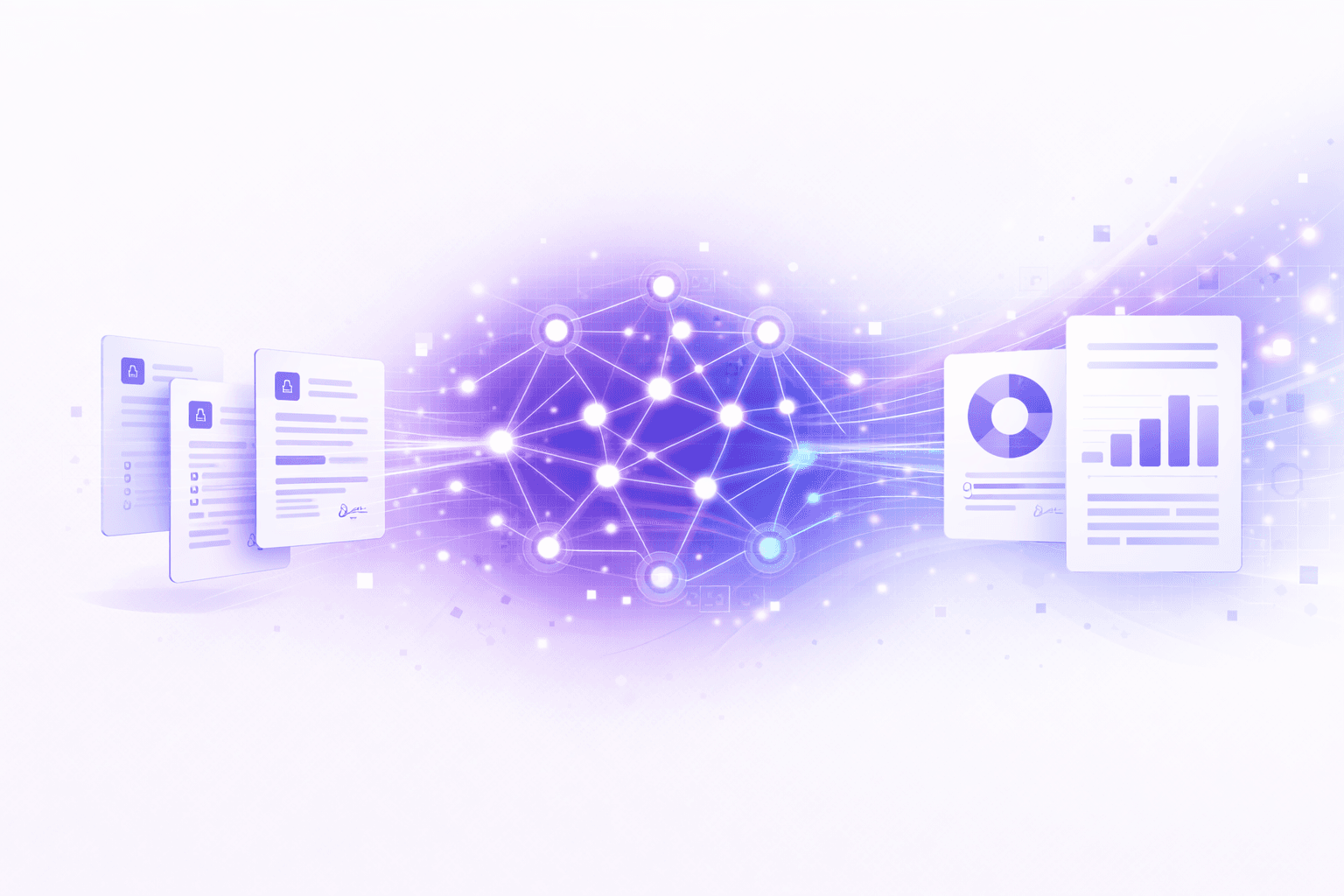
Beyond Simple OCR
Traditional document processing relies on OCR (Optical Character Recognition) to convert images to text. But OCR only solves half the problem — it gives you raw text, not structured data.
DocuWeave uses AI to read for meaning, so it extracts not just text but what the text refers to.
Understanding Context
When you upload a contract, DocuWeave doesn't just read the words on the page. It understands that "Party A" refers to a company name, that "£50,000" is a contract value, and that "15 January 2025" is an effective date.
This contextual understanding is what makes AI data extraction so powerful compared to traditional approaches.
The Extraction Pipeline
- Reading on your device — PDFs, Word files, emails, photos and notes are read in your browser, and only their text is sent
- Scans and photos — scanned pages and photos are read too
- AI analysis — the AI reads the content and identifies the details your template needs
- Field mapping — each detail is mapped to a value in your template
- Sources and confidence — each value shows the passage it came from and how sure DocuWeave is
Accuracy and the Human-in-the-Loop
No AI system is perfect, which is why DocuWeave is designed with a human-in-the-loop approach. Every value shows its source and how sure DocuWeave is, the review shows you what needs attention, and a person approves every document before it can be downloaded.
This combination of AI and human oversight keeps a person in control of every document.
Try It Yourself
The best way to understand AI data extraction is to try it. Upload a document and see what DocuWeave can extract.